Passage
Passage blocks are used for controlling the flow of the gamebook. For players they are represented as choices for the current slide.
Syntax
[#passage] Enter a dark hall [/passage]
::: passages can also span multiple lines
[#passage]
Look for other exits
[/passage]
Enter a dark hall Look for other exits
Conditional variant
Passages can also be rendered conditionally based on the variables for the current playthrough.
[#passage-if (@courage >= 5)]
Kick the door open
[/passage-if]
Graph
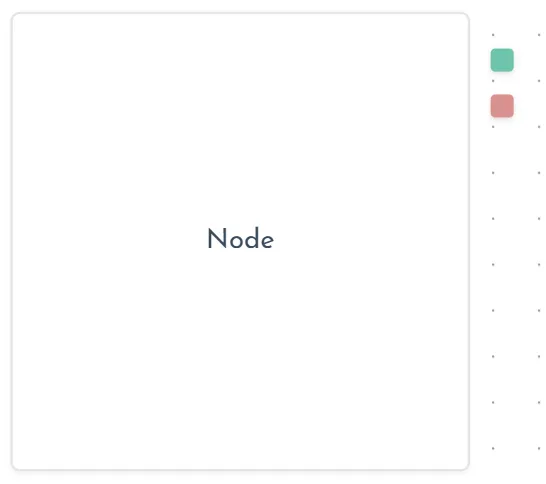
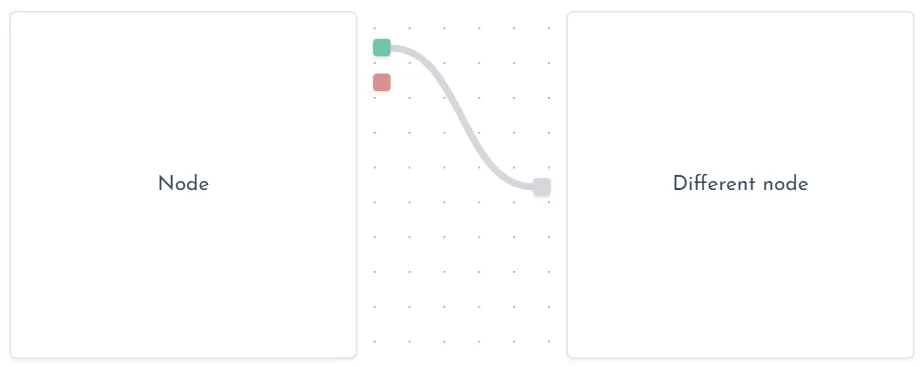
On the graph each passage is shown as a handle attached to the node. They are rendered in the order of definition in the code.
For the passage to work it must be connected to the entrypoint of another node.
Colors
Colors are automatically assigned based on the number of passages defined:
1 passage:
- first
2 passages:
- first
- second
3 passages:
- first
- second
- third
5 passages:
- first
- second
- third
- fourth
- fifth
4, 6 or more passages:
- each one
See also
- Conditions reference.